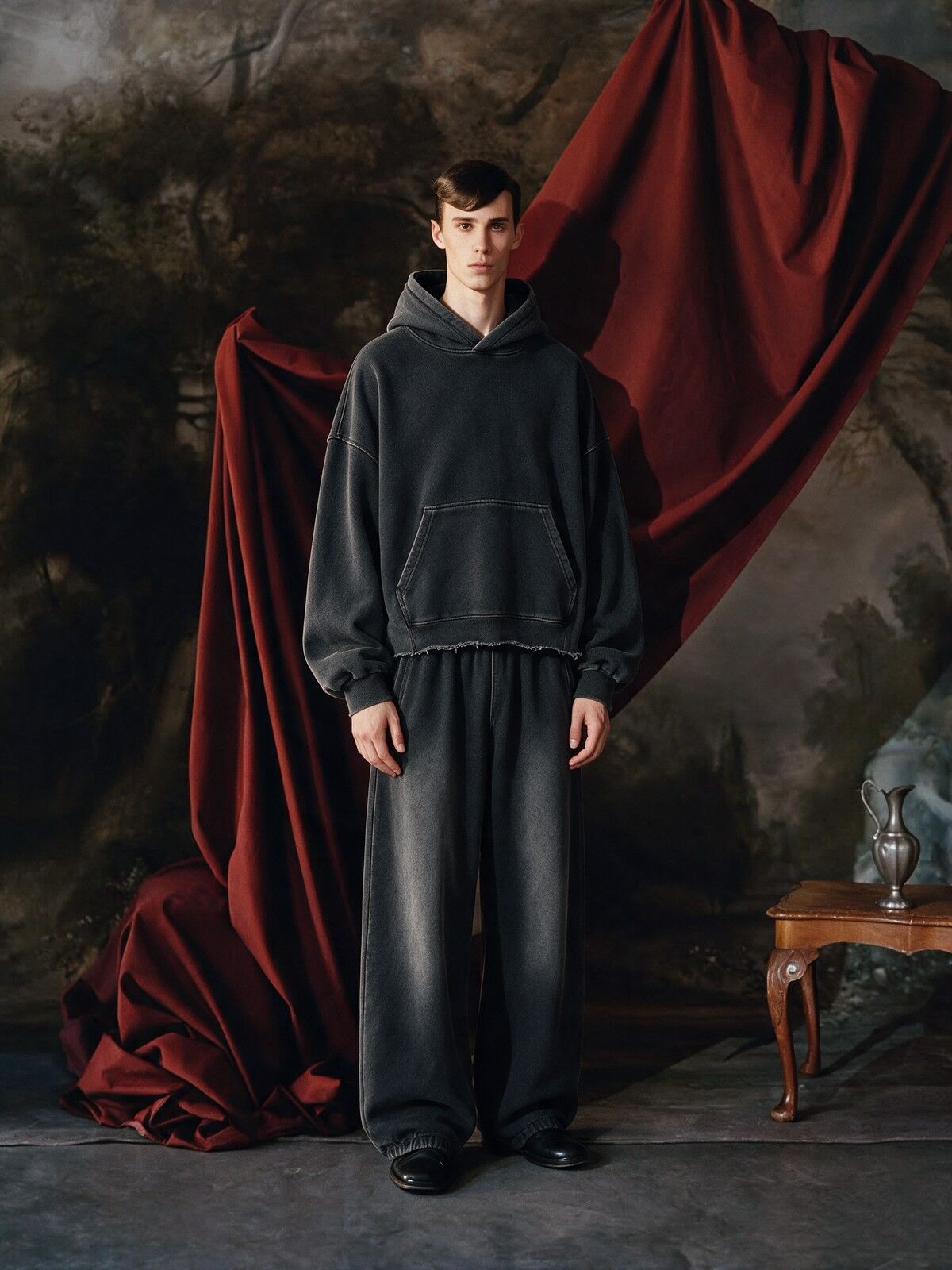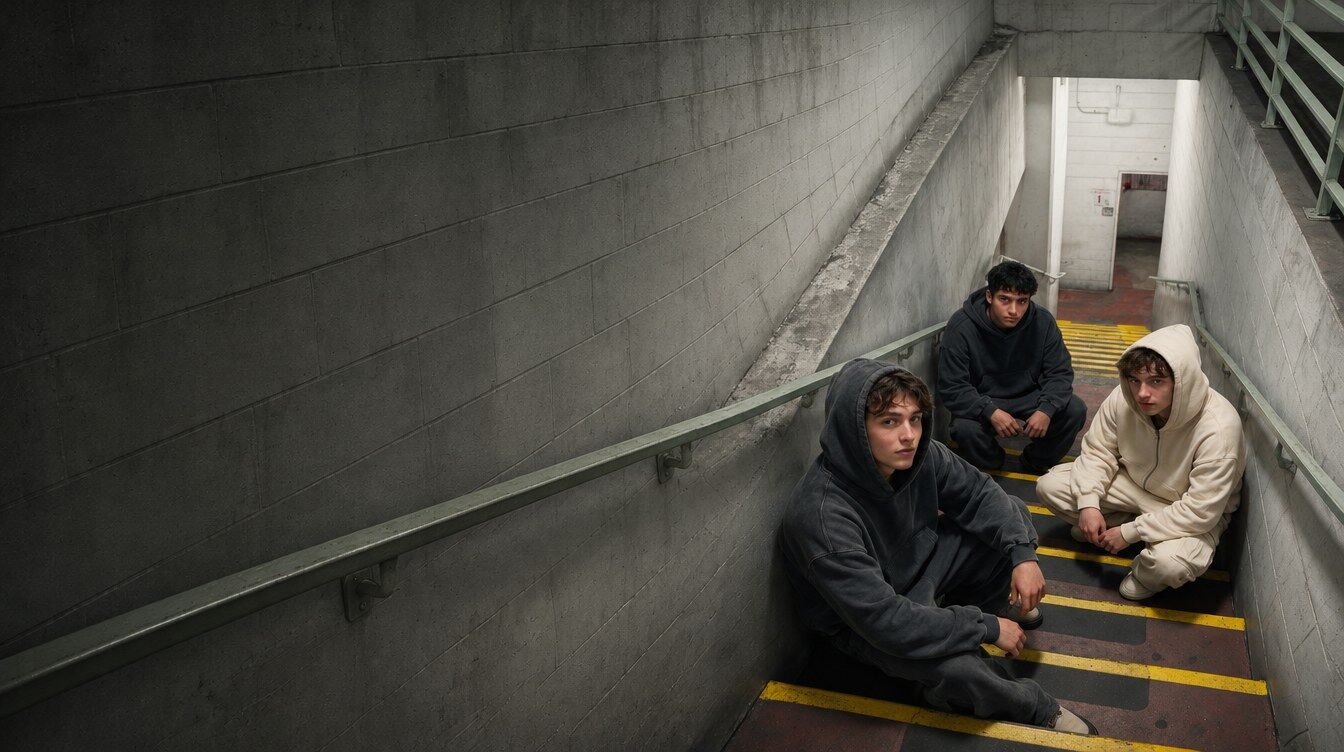
RICOO / AI Campaign Kit
Your product photos in. A full drop campaign out.
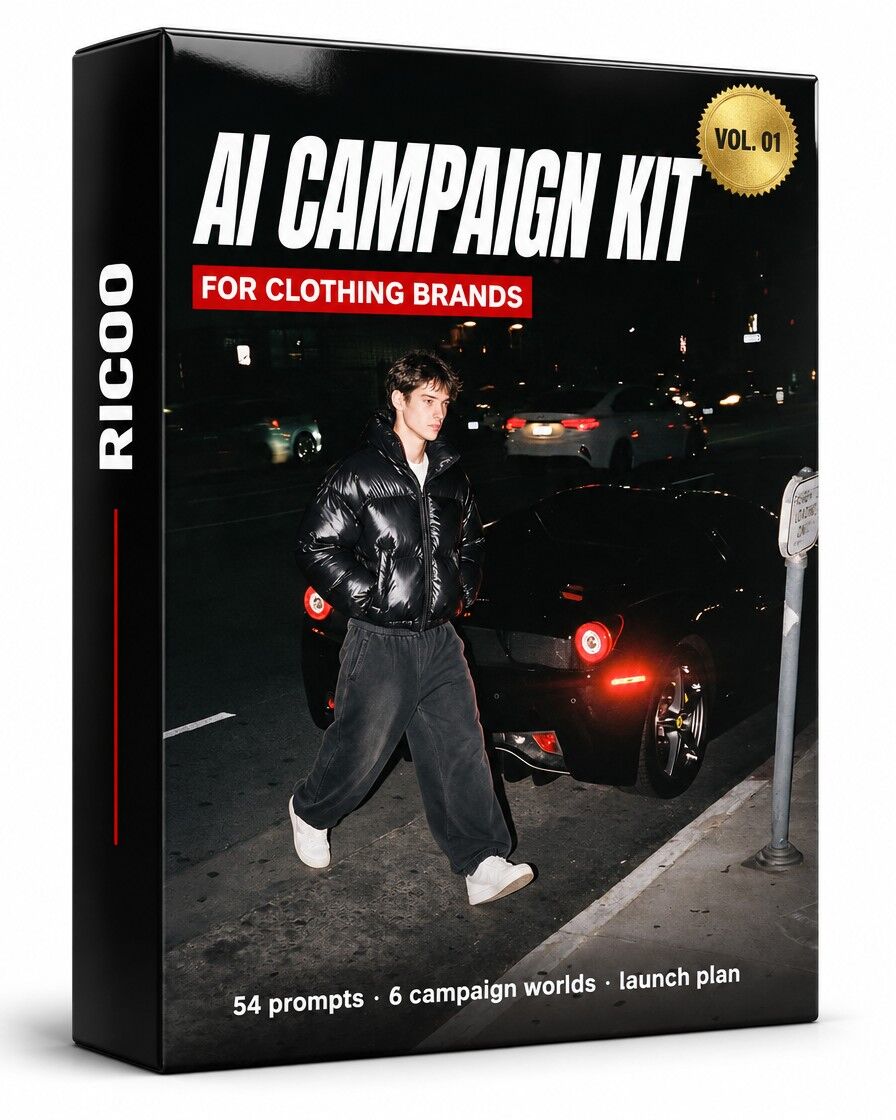
No photographer, no studio, no models. One kit that turns the phone photos you already have into a full drop campaign: grid, feed ads, stories and motion.
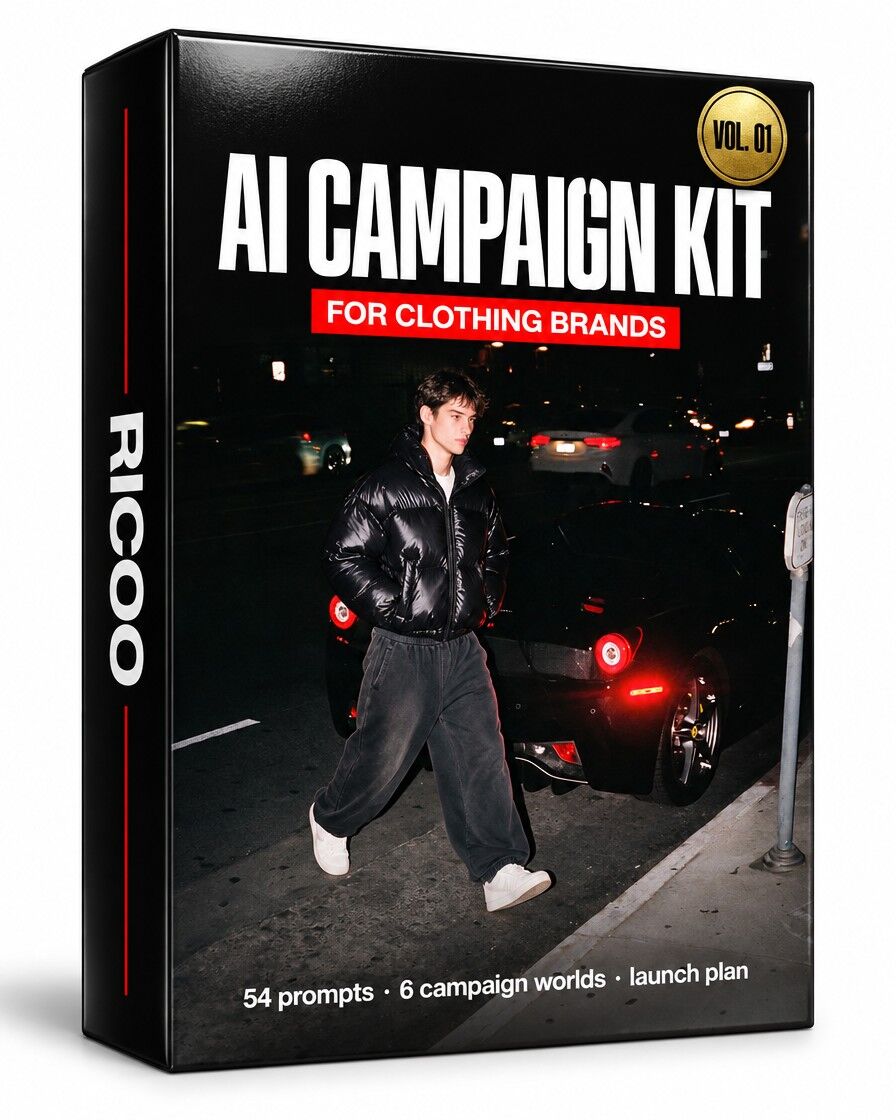
AI Campaign Kit
Everything you need to shoot a full drop campaign with AI, from your own product photos. Copy the prompt, add your photos, post.
- 54 promptscopy, fill, paste
- 6 campaign worldsstreet to studio
- 3 ad layoutsfeed + story
- Drop week planday by day
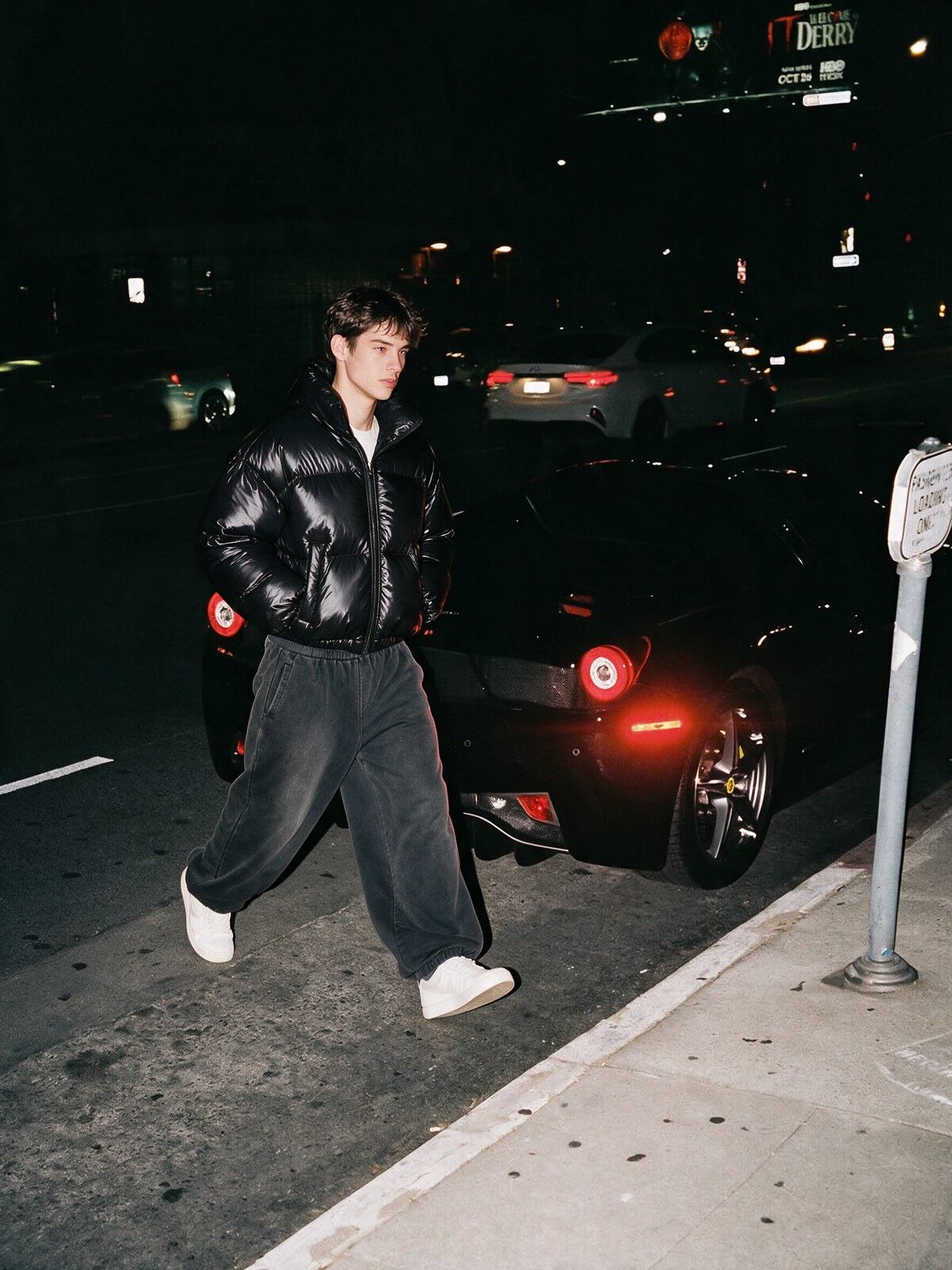
Input / output
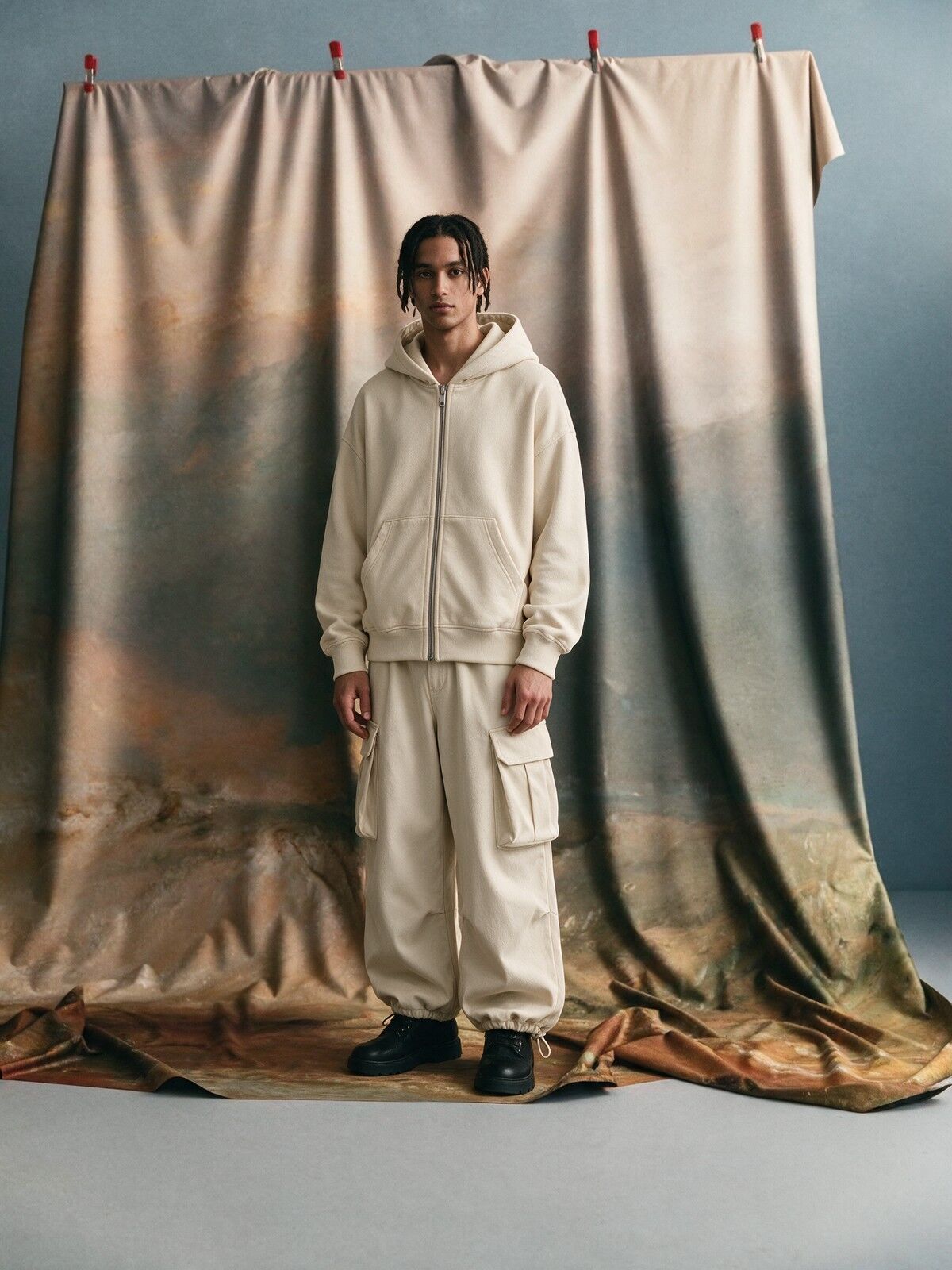
One product photo. A whole campaign.
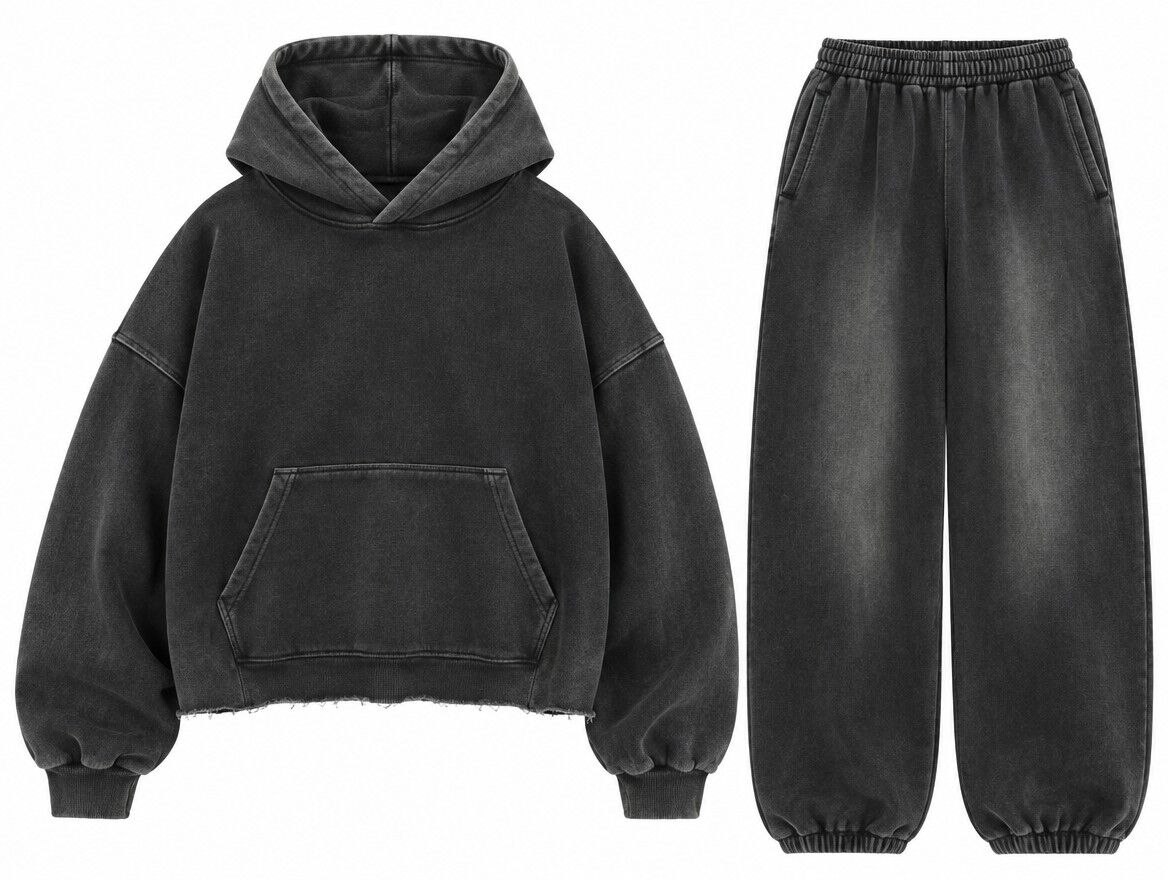
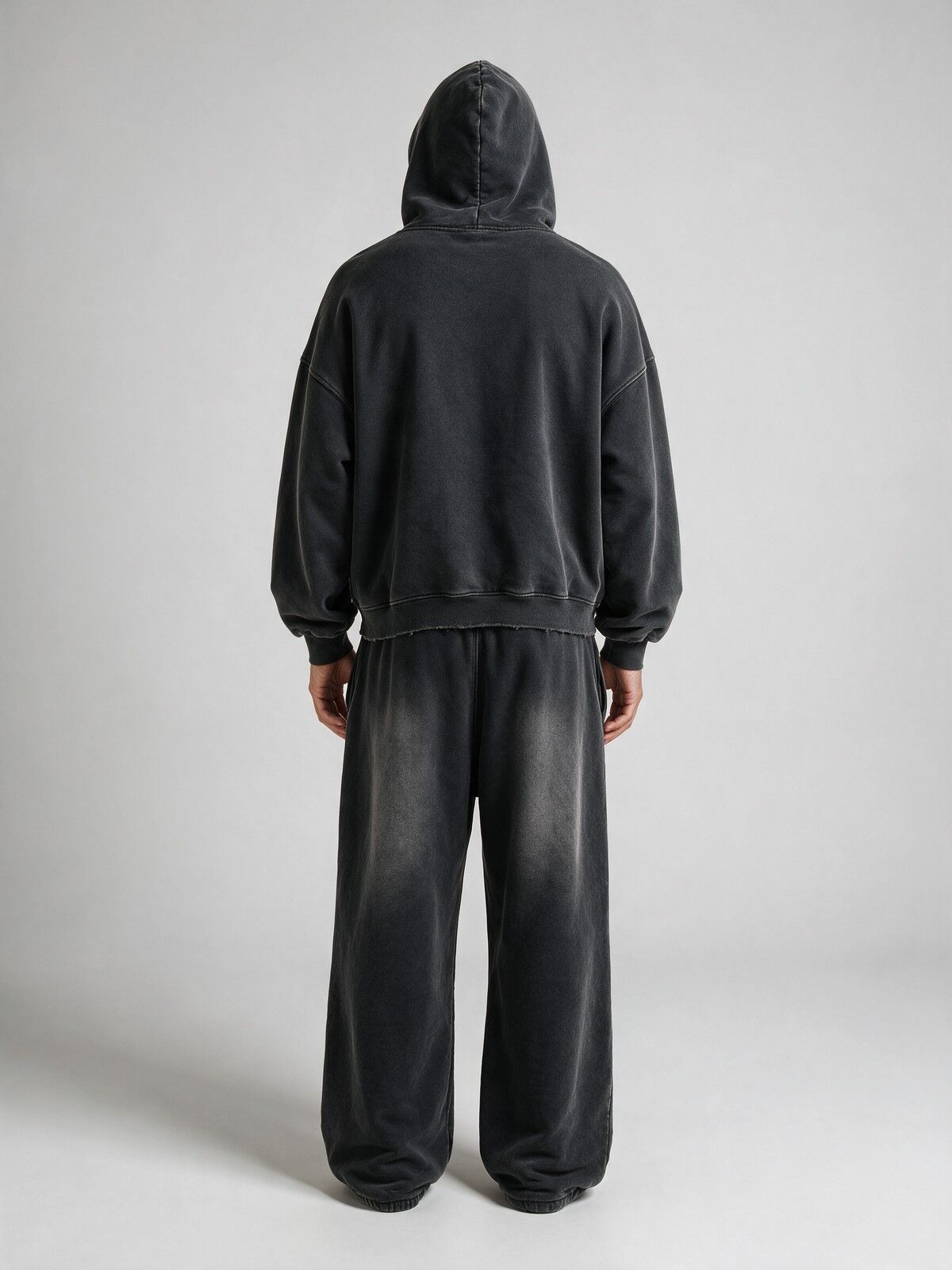
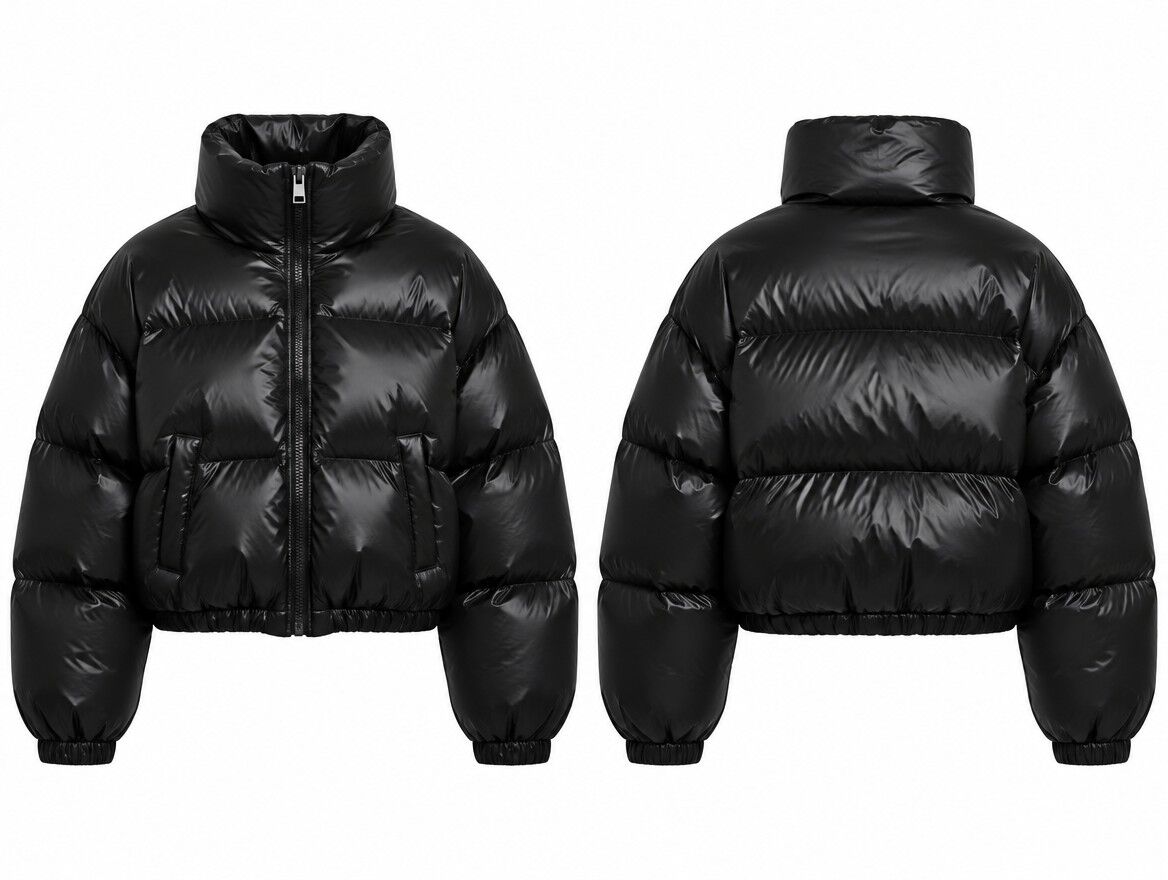
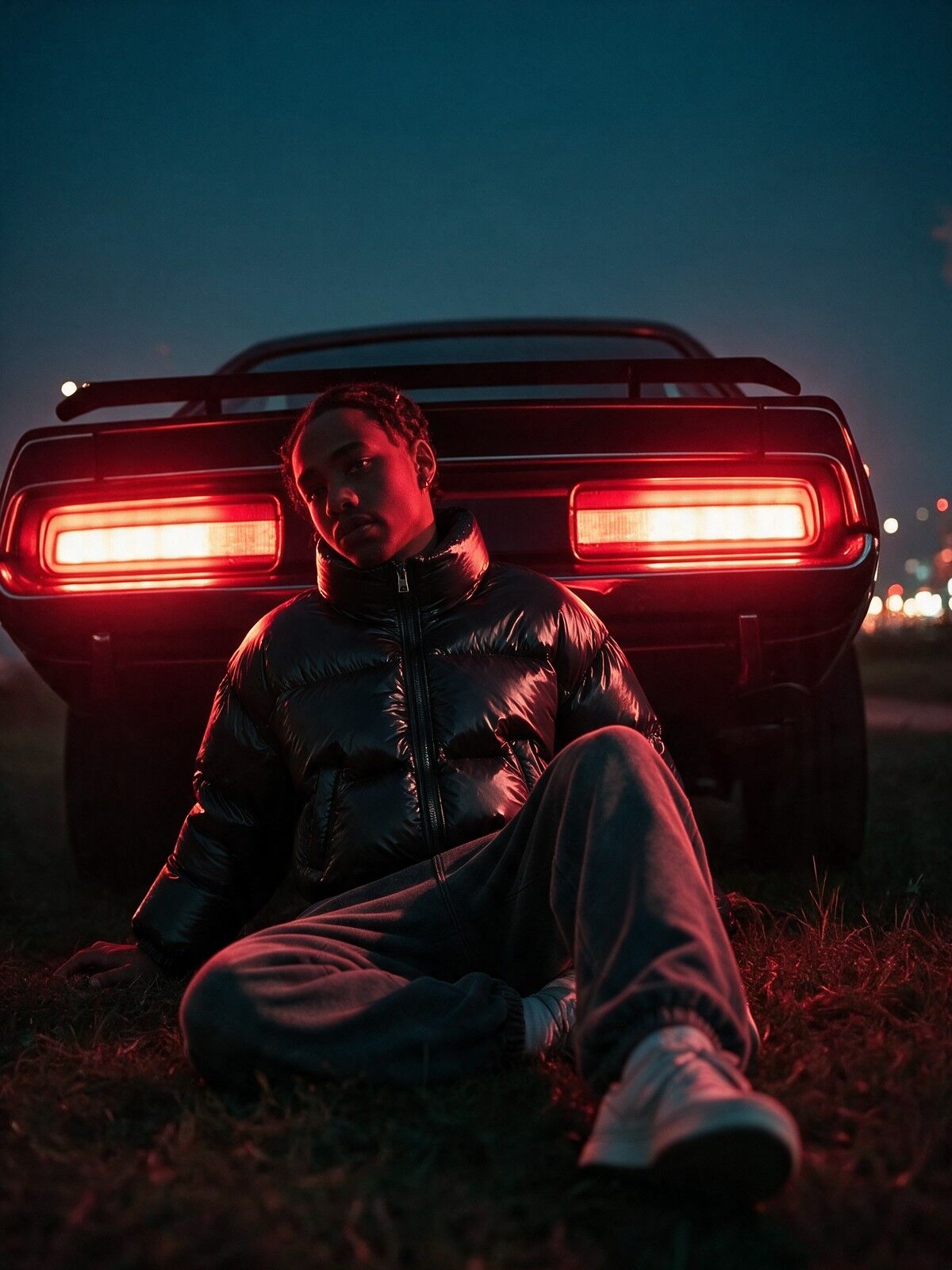
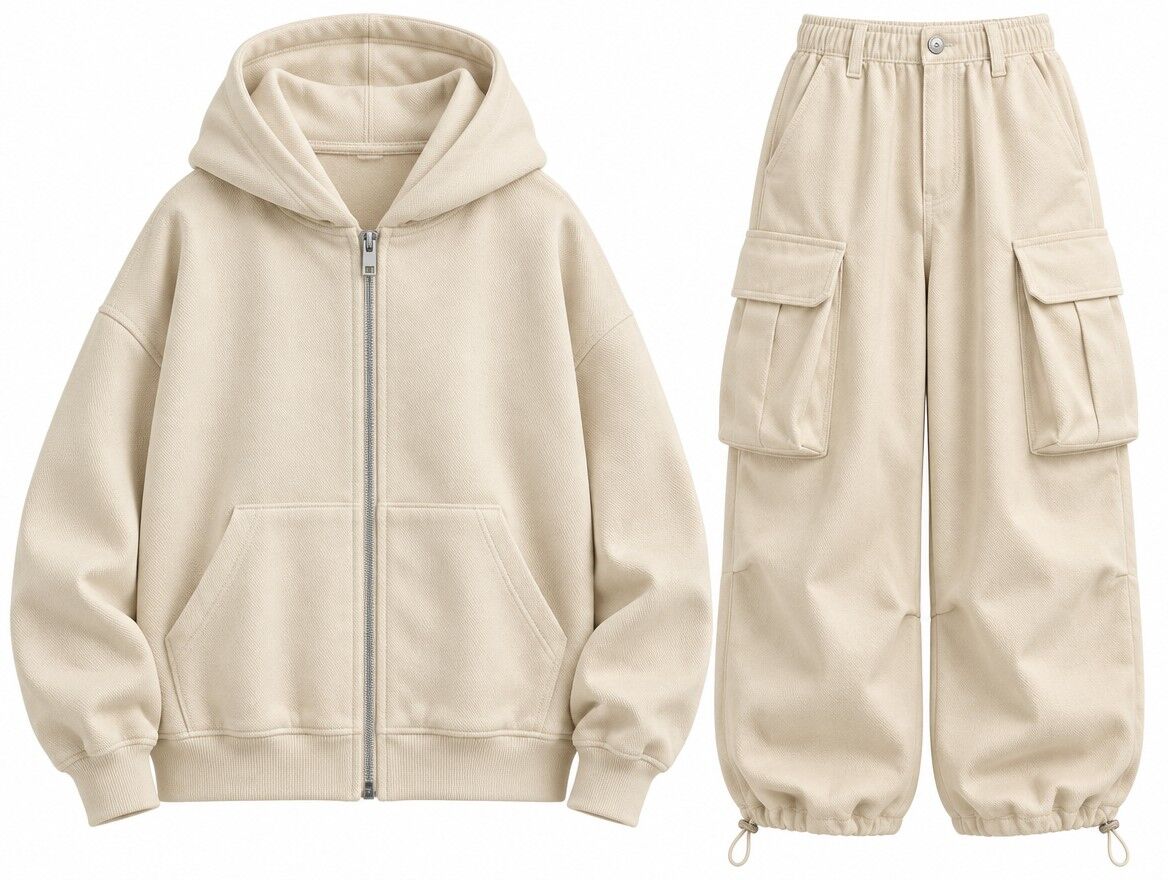
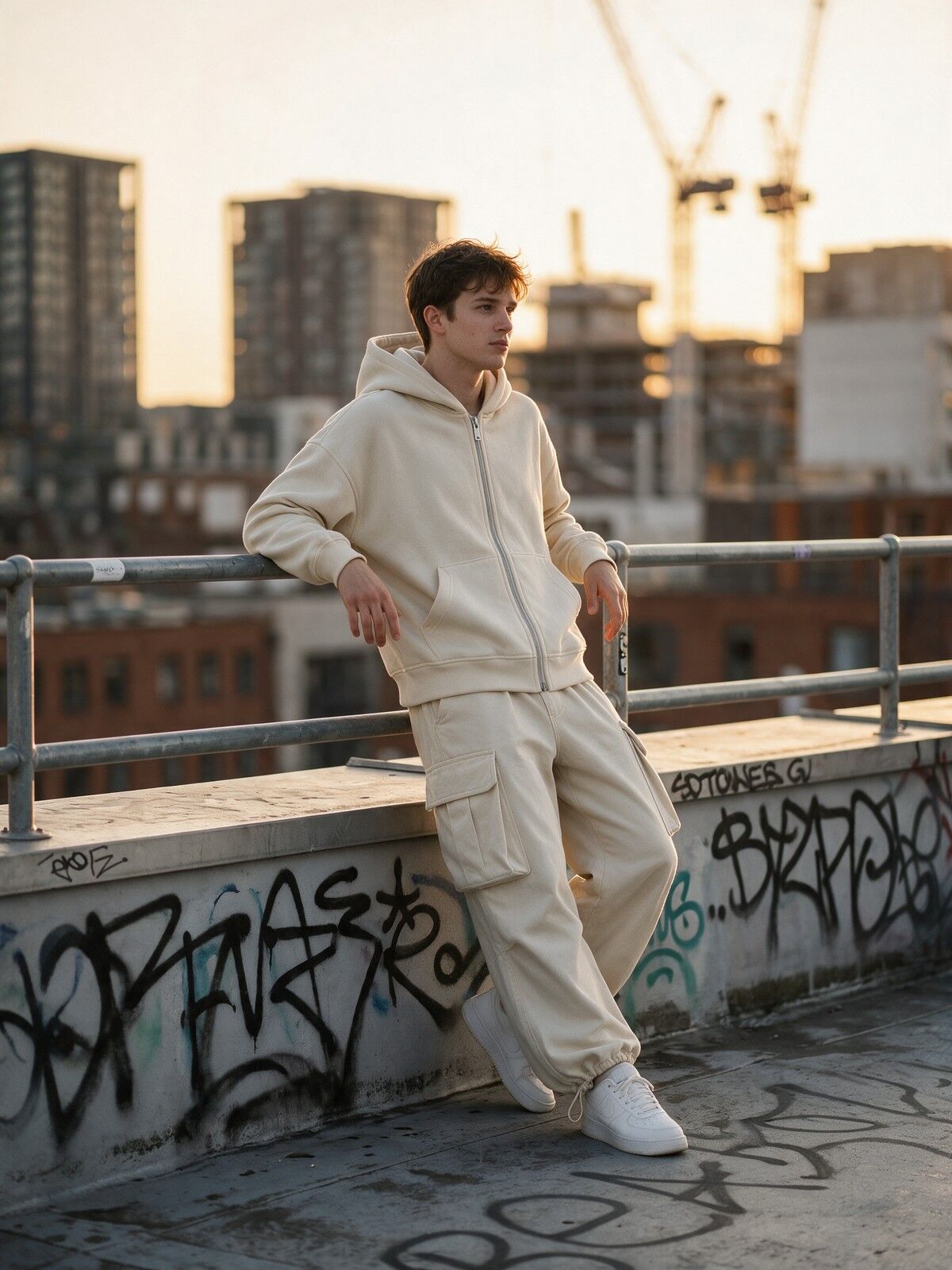
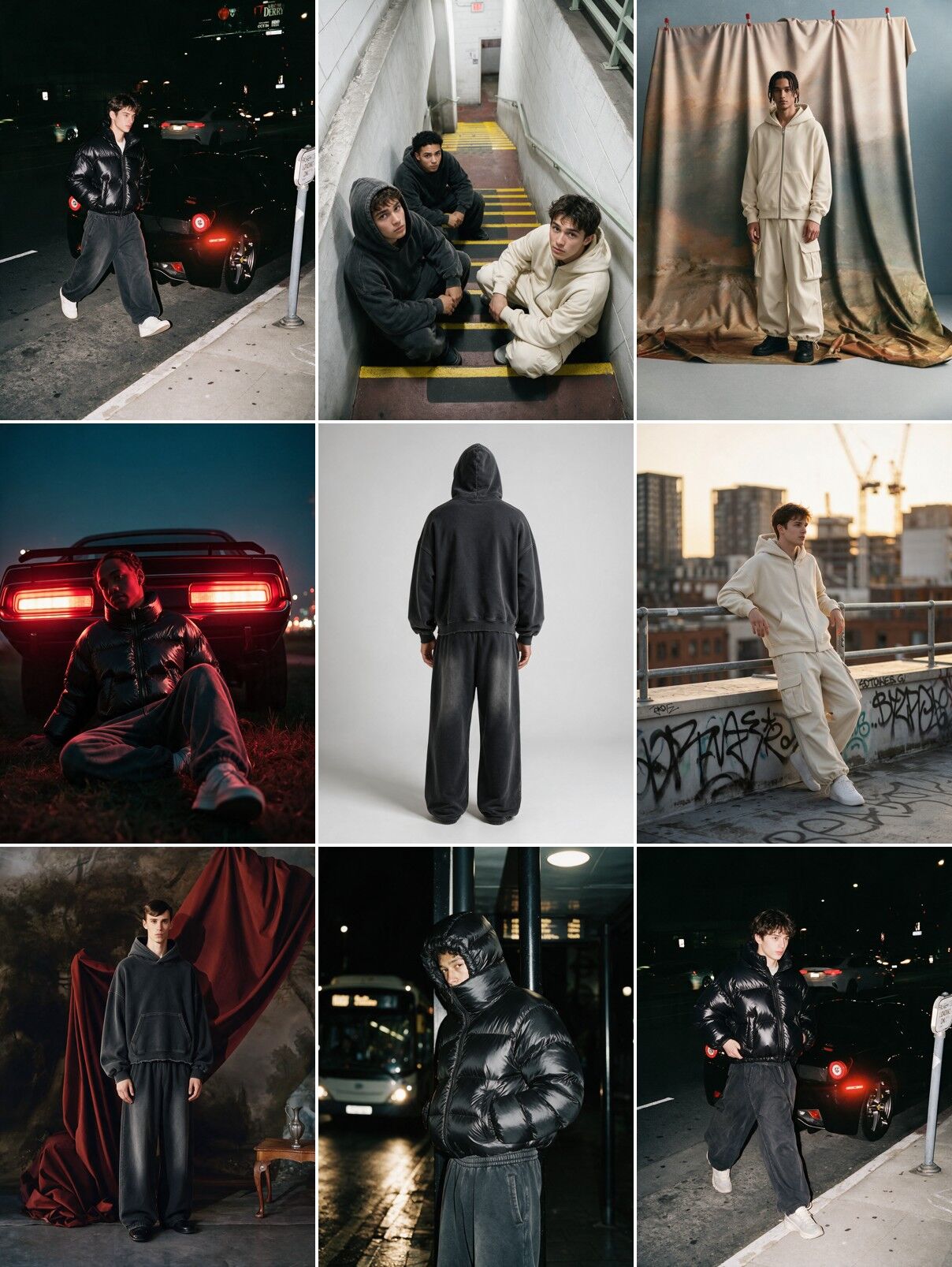
Shoot your piece flat with your phone. The kit turns it into campaign shots across different worlds, with the same model in every frame.
What you get
Everything a drop needs.
Not a prompt dump. A step by step kit that takes you from product photos to a launch-ready campaign.
- Refs
Shoot your references
A 10 minute phone guide for the front, back and detail shots the AI needs to keep your logos and prints.
- Worlds
6 campaign worlds
Night flash street, abandoned stairwell, painted studio, clean studio, desert golden hour, neon night.
- Prompts
The 9-shot set
Copy-paste prompts for every shot a drop needs: group hero, solo front, back, detail, flat lay, lookbook page.
- Launch
Ads + drop week plan
3 ad layouts, every export size, and a day by day plan from teaser to drop day.
The math
A shoot vs. the kit
| Row | Traditional shoot | RICOO kit |
|---|---|---|
| Who you need | Photographer, stylist, models, location | You and your product photos |
| Where it happens | Booked studio or street permit | At your desk |
| Formats | Whatever got shot that day | Every ratio planned before you start |
Get the kit
$19
- The kit54 prompts, 6 worlds, launch plan
- Student portalEvery step, in order
- Private DiscordPrompts, wins, feedback
Secure checkout by Whop. After you pay you get instant access to the student portal and the Discord.
FAQ
Questions
What AI tools do I need?+
A Higgsfield account. The campaign prompts run in Seedream 5.0 Pro and the ad layouts in GPT Image. The kit tells you which model to use for every step.
How do I get the kit?+
Right after checkout you get access to the student portal, where the kit and every step live, plus an invite to the private Discord.
Do I need design or photo skills?+
No. You copy a prompt, fill the brackets with your product, and paste. The kit also gives you the checks to run before anything goes live.
Will the AI keep my logos and prints?+
That is what the reference shots are for. Clean, flat, well lit photos of every piece give the model what it needs to copy your details. The kit shows you how to shoot them.